
.png)
.png)
ISCOM

Le défi client
Décrire ici le défi client avant Strivio — Sélectionner ce paragraphe dans le Designer → Lier au champ CMS « Le défi client »
Décrire ici le défi client avant Strivio — Sélectionner ce paragraphe dans le Designer → Lier au champ CMS « Le défi client »
Expertises mobilisées
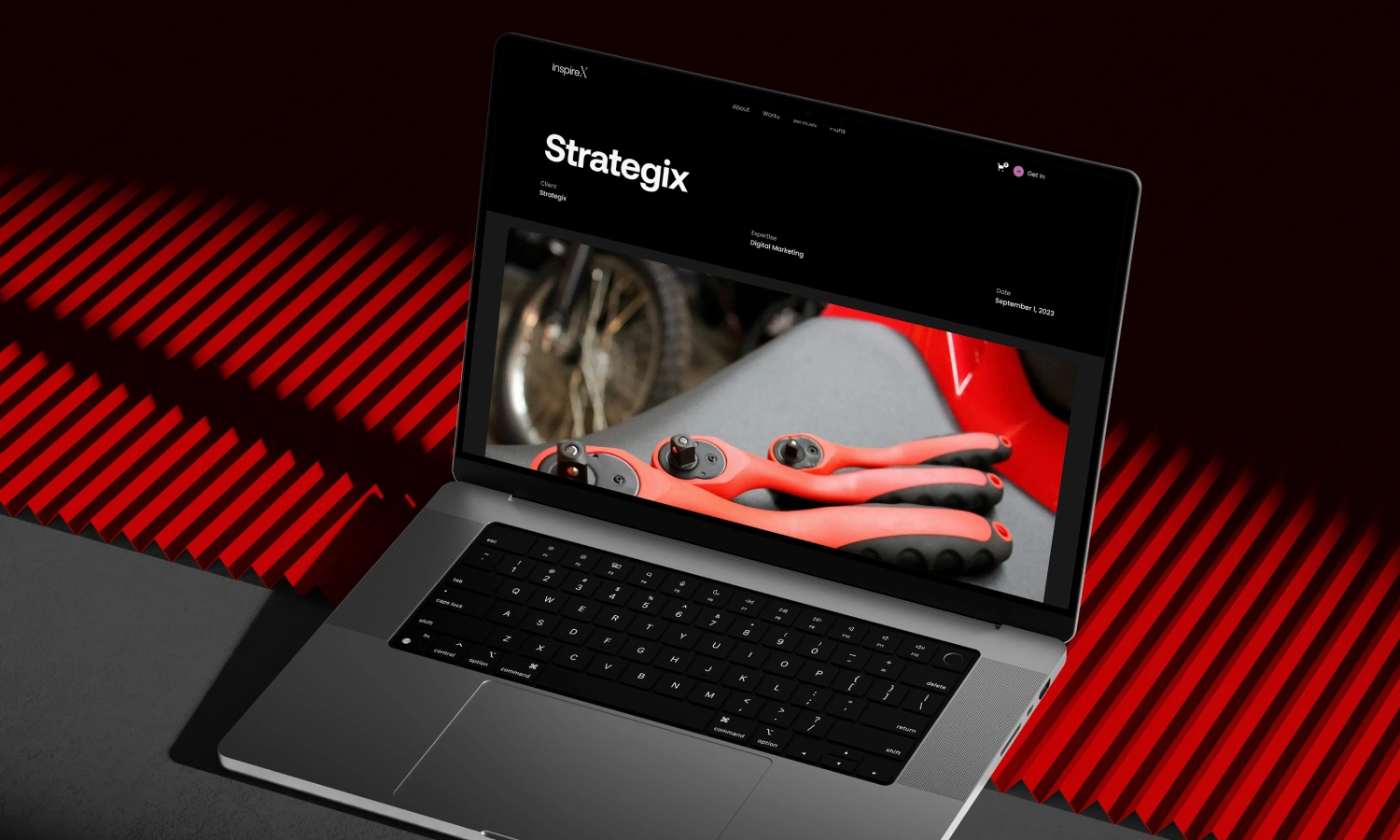
Inspire X is a visually striking portfolio designed for a creative agency looking to stand out in a competitive market. Our design studio crafted this project to reflect the agency’s vibrant personality through a bold red color scheme and dynamic layout. The portfolio highlights the agency’s diverse range of services, from branding to digital marketing, with a focus on showcasing their most impactful projects. We incorporated clean typography and interactive elements to ensure potential clients can easily navigate through the agency’s work while being captivated by the energetic design. The goal was to create a digital space that not only displays the agency’s portfolio but also communicates their passion for creativity and innovation, appealing to clients seeking a forward-thinking partner.
La publicité en action
Vidéo à configurer dans le Designer
.uc-video-box → Custom Attributes → valeur de data-video-src → lier au champ CMS « Video URL »Témoignage client à configurer dans le Designer Webflow.
.uc-testimonial-card → Custom Attributes → valeur de data-quote → lier au champ CMS « Témoignage client »Vous avez un projet similaire ?
Parlons de vos ambitions. Un appel suffit pour construire votre stratégie d'acquisition.
Démarrer mon projet →